Overview
The Save Data node is used to select output tables from modeling nodes and save them to a CAS library.
The Save Data node can be
added to the pipeline by dragging it from the Nodes pane on the left (from the
Miscellaneous grouping) and placing it over a modeling node. Or you
can right-click a modeling node and select Add child node MiscellaneousSave Data. You can also add the Save Data node to the
Interactive Modeling and Ensemble nodes.
MiscellaneousSave Data. You can also add the Save Data node to the
Interactive Modeling and Ensemble nodes.
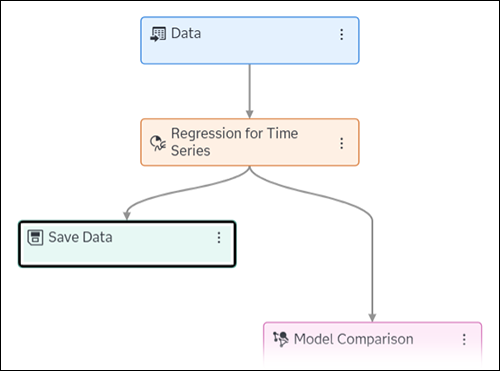
This node is added as an end branch from the swim lane with no nodes to follow it.
See Also
Last updated: March 16, 2026